This BlogSpot, I'll publish some IT related software, news or experience. Any comments or suggestions are accepted. Feel free to look around! ^^

Showing posts with label Games. Show all posts

14 February, 2008

pSX emulator - PlayStation for your computer

PlayStation...well-known game console a long time ago. PS3 has already released, but why bother playing PlayStation games?

Actually, I think a lot of PlayStation games are still very fun to play with. Although the graphic may not be as advanced as PS2 or PS3, but what matters is the gameplay. In my opinion, Final Fantasy VII, VIII and IX all have better gameplay than PS2's FFX and XII. There're more: Chrono Cross, Resident Evil III:Nemesis, the old Digimon World...and more!

I myself owns a PS2 console at home, but I don't bring them everywhere. And of course, using a console, you will need a TV set too. So what do I do? I installed the emulator into my laptop and viola! A portable PlayStation! (erhem...not PS2, but I'm satisfied)

The emulator looks like this...
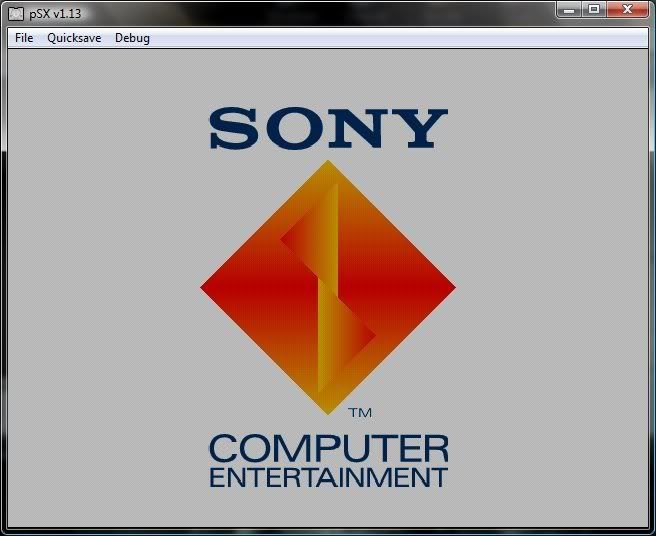
click to enlarge


You can choose to play it fullscreen, or in a windows.
A look of the emulator on my desktop.
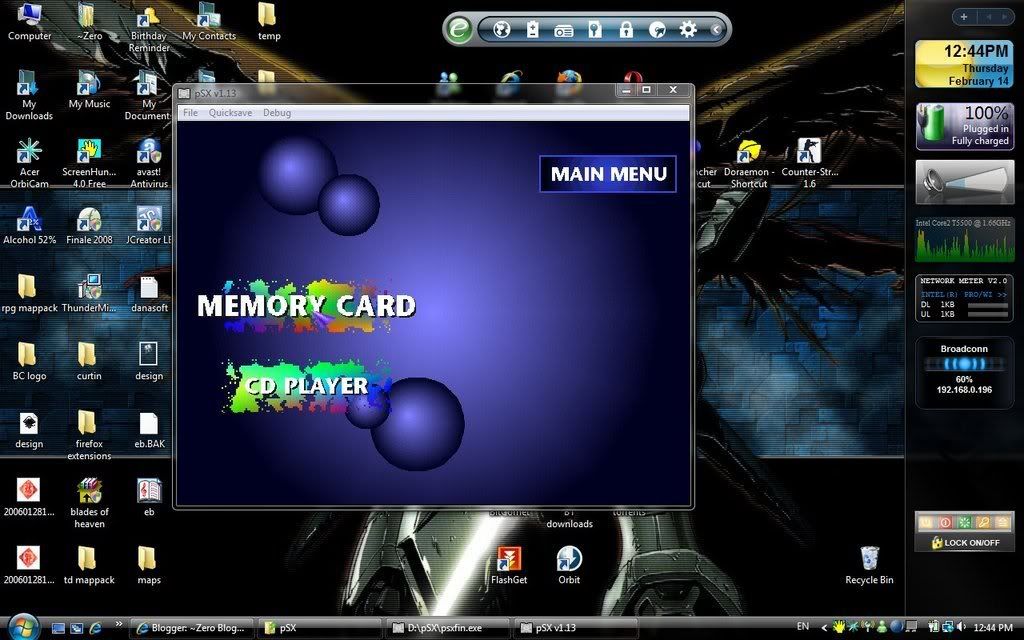
click to enlarge


Just insert a PlayStation CD or CD-image, choose the drive to load and it will play by itself. Not to mention, the save state and load state of most game emulator...Hehe, kinda like cheating in a game, lol.

No PlayStation memory card needed, no joystick needed(but you may buy one USB PlayStation controller from the store). Nice~

You can download from here

Note: USE AT YOUR OWN RISK!!!
Using an emulator like this without owning a console may be considered illegal, the same goes with pirated PS game CD...I can't forbid you to download, I can't stop you from using/playing. I can only warn you. USE AT YOUR OWN RISK! Either you play it legally and ethically, or don't get caught.

That's all.
Happy gaming~

A glimpse of a PlayStation console...


External Links:
pSX emulator Official website
pSX emulator from wikipedia

05 February, 2008

System Requirement Test. Can you RUN it?

Do you have this kinda experience?

You have a game in mind that you wanted to play for a long time, but you've been wondering whether your hardware can run that game or not...

OR! You bought a new game, but after installing, you couldn't play it at all because your hardware isn't good enought.

Here's a website that tests your system and hardwares to check whether you can run a specific game well enough or not. It has a big list of games for you to choose. The link's below:


How to use it?
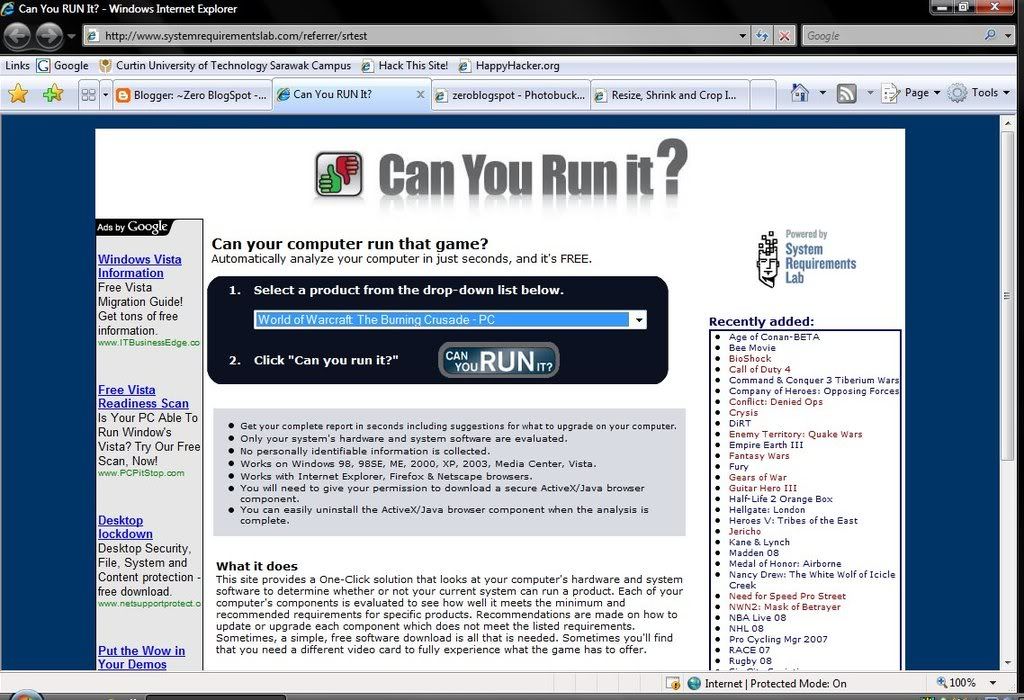
Just select the game you wanna test for your system. For example, now I wanna test whether my computer can run World of Warcraft smoothly or not...

click to enlarge


Install anything that is given, install the Active X plug-in, and after a while, the results come out.
click to enlarge


And...oops! looks like my system isn't sufficient enough to run this game. I'm glad that I didn't purchase this game yet. Before I buy this game, I should upgrade my video card first...

Sometimes, you may pass the minimum requirement, but fail the recommended requirement. You can still run the game, but not in perfect condition. Maybe. I passed the minimum requirement for Warcraft III but failed the recommended reuirement, I can still run the game, but in minimum system settings(especially graphic).

Anyway, good luck~
To be a gamer, you must have good hardware before you can have good skills. haha~